
Theme Issue Troubleshooting
Investigate layout problems, broken sections, inconsistent styling, responsive issues, and other theme-related behavior that may appear after updates, customizations, or new content.
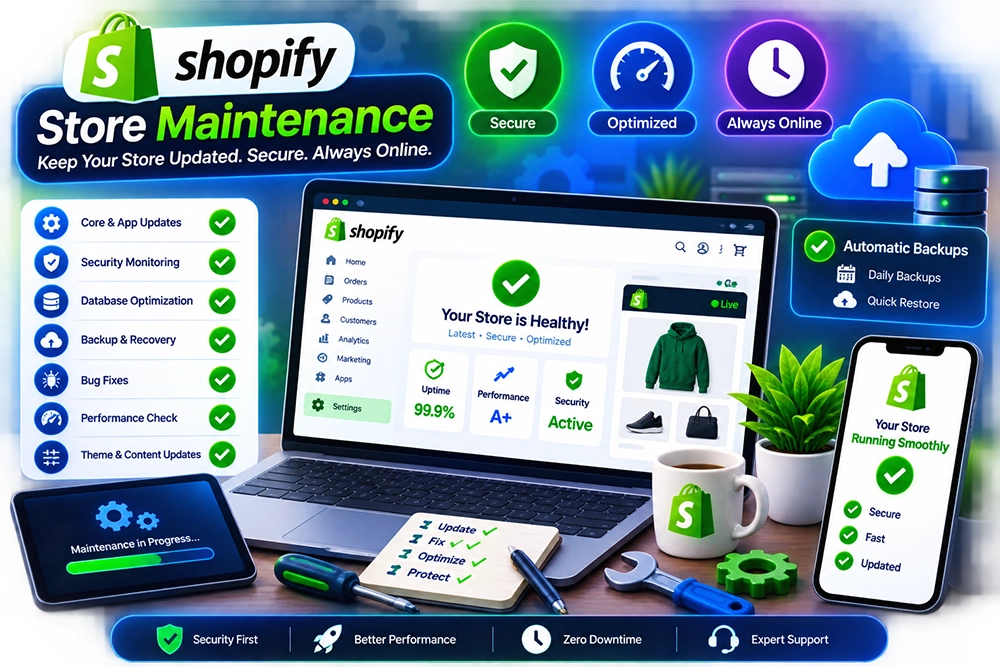
Keep your Shopify store functioning properly as themes, apps, integrations, content, and storefront features change over time. Technical issues do not always appear as major failures—small conflicts, broken sections, inconsistent behavior, and neglected updates can gradually affect how the store performs for both customers and internal teams.
Our Shopify maintenance services focus on the technical areas that need regular attention after launch. From theme and app issues to functional checks, bug fixes, storefront troubleshooting, and performance-related review, we help keep the store stable without treating every problem as a full redevelopment project.
A storefront can look normal on the surface while small technical issues build underneath. Theme changes may affect other sections, apps can introduce conflicts, custom code can break after updates, and important functionality may start behaving inconsistently across devices. Left unresolved, these problems make the store harder to trust and more difficult to maintain.
Regular maintenance gives those issues a structured place to be identified and resolved. We review the affected areas, trace the source of the problem, make targeted corrections, and check related storefront behavior so the technical environment remains more dependable as the store continues to evolve.
Maintenance is most effective when technical problems are handled before they spread across the storefront. We focus on recurring checks, troubleshooting, fixes, and technical upkeep that help keep important store functionality stable.
Investigate layout problems, broken sections, inconsistent styling, responsive issues, and other theme-related behavior that may appear after updates, customizations, or new content.
Identify and resolve storefront bugs affecting navigation, templates, forms, product pages, cart behavior, customer interactions, or other agreed areas of the Shopify experience.
Review app-related issues where installed tools interfere with storefront behavior, duplicate functionality, affect theme components, or introduce unexpected technical conflicts.
Maintain and correct existing custom theme code, scripts, Liquid changes, or storefront logic where previous development needs adjustment or no longer behaves as intended.
Review technical elements that may contribute to slower or less reliable storefront behavior, including unnecessary scripts, heavy components, duplicate functionality, and avoidable overhead.
Provide continued support for maintenance-related issues, technical questions, minor fixes, and agreed storefront problems that arise as the store, apps, and theme continue to change.
Maintenance becomes repetitive when the same issue is patched without understanding why it keeps returning. We look at the surrounding theme, apps, custom code, and storefront behavior before deciding which change actually makes sense.
Problems are reviewed in context so a visible storefront issue is not fixed in a way that creates another conflict elsewhere in the theme or customer journey.
Existing customizations are considered before making changes, helping reduce the chance of overwriting useful functionality or introducing unnecessary duplicate code.
App-related issues are evaluated alongside the wider store environment rather than assuming every problem originates in the theme itself.
Maintenance work stays focused on the agreed technical problem instead of turning minor fixes into broader development projects without a clear reason.
Responsive and customer-facing behavior is considered during technical fixes so desktop corrections do not create unexpected problems on smaller screens.
Recurring issues can be identified over time, providing clearer signals about where deeper refactoring, redesign, integration work, or redevelopment may eventually be justified.
Technical maintenance starts with the issue as it exists today. We reproduce the problem, review the affected theme or app context, identify the likely cause, apply the required fix, and then check related storefront behavior before the work is treated as complete.
We review the reported problem, affected pages, theme areas, apps, recent changes, custom code, and available context to understand where the issue is appearing.
The issue is reproduced where possible and the relevant theme, script, app, or configuration is examined to narrow down the source before changes are made.
The agreed correction is applied to the affected technical area with attention to existing customizations, dependencies, and other storefront functionality that may be related.
Relevant theme components, apps, scripts, or connected functionality are reviewed to identify whether the fix introduces or exposes another issue within the wider store environment.
The affected customer-facing experience is checked across relevant devices and interactions to confirm the original problem has been addressed without obvious new inconsistencies.
Repeated issues and technical patterns can be tracked over time so larger structural problems are separated from routine maintenance and addressed appropriately when deeper work is needed.
Technical maintenance can involve theme problems, app conflicts, custom code, storefront bugs, or recurring support needs. These answers explain what maintenance usually covers and when broader development work may be required.
Maintenance can include theme troubleshooting, bug fixes, app conflict review, custom code corrections, storefront checks, performance-related review, and other technical support agreed for the store.
Yes. Existing themes can be reviewed for broken sections, layout problems, custom code issues, responsive inconsistencies, or other technical behavior that needs correction.
Yes. Some apps can affect theme code, scripts, storefront behavior, or other installed functionality. The exact cause needs to be reviewed before deciding whether the app, theme, or custom implementation requires adjustment.
Not exactly. Store management usually focuses on products, collections, content, merchandising, and recurring administration. Maintenance is more technical and deals with issues such as bugs, theme behavior, app conflicts, code, and storefront reliability.
Yes. Existing custom Liquid, theme code, scripts, or storefront logic can be reviewed and maintained where the current implementation and requested changes are within scope.
Cost depends on the number and complexity of issues, condition of the theme, custom code, app conflicts, recurring support requirements, and whether the work involves routine fixes or deeper technical investigation.
Share the problem you are seeing, any recent theme or app changes, and the areas of the storefront affected. We can review the technical context, identify the likely cause, and determine the right maintenance work to get the store back into a more reliable state.