
Google Analytics Setup
Configure Google Analytics for your Shopify environment so store traffic, engagement, ecommerce activity, and relevant customer behavior can be measured within a consistent reporting structure.
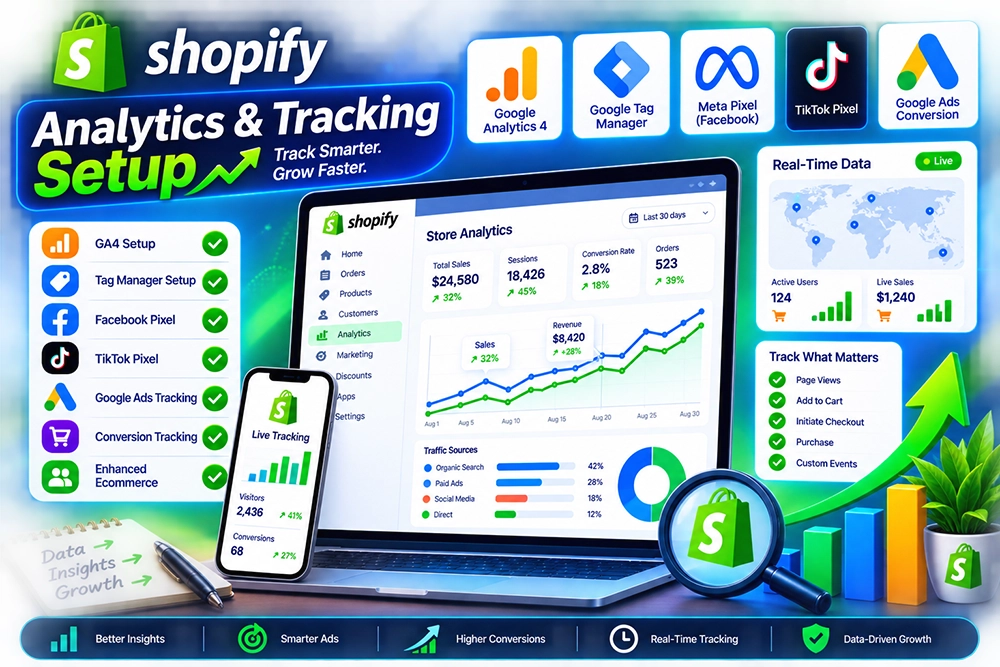
Understand what shoppers do across your Shopify store by setting up the measurement needed to track visits, product interactions, purchase journeys, conversions, and marketing activity. A well-structured analytics setup gives your team a more dependable view of how customers move through the storefront and where performance should be investigated.
From Google Analytics configuration to ecommerce events, marketing tags, and tracking validation, the setup is planned around the data you actually need to use. The goal is not to install every available script, but to create a cleaner measurement foundation that supports reporting, campaign analysis, and better commercial decisions.
Ecommerce teams can collect plenty of numbers and still struggle to understand what is actually happening inside the store. Missing events, duplicated tags, incomplete conversion tracking, inconsistent campaign data, or unclear measurement rules can make reports difficult to trust and leave important customer behavior hidden behind disconnected metrics.
A structured tracking setup brings those signals together around clear measurement goals. We identify the actions worth tracking, configure the appropriate analytics and marketing tags, map ecommerce events, and validate the implementation so reporting is built on data that has been deliberately collected rather than assembled from whatever happens to be available.
Tracking should reflect the questions your business needs answered. We configure the measurement layer around customer journeys, ecommerce activity, marketing attribution, and reporting needs instead of adding tags without a defined purpose.
Configure Google Analytics for your Shopify environment so store traffic, engagement, ecommerce activity, and relevant customer behavior can be measured within a consistent reporting structure.
Define and implement relevant events around product views, cart activity, checkout progress, purchases, and other meaningful actions that help explain how customers move through the store.
Configure and review conversion measurement for the actions that matter most to the business, helping campaigns and reporting systems distinguish meaningful outcomes from general traffic.
Add or organize agreed marketing and advertising tags within the Shopify environment so campaign measurement can be connected more clearly with relevant customer actions and conversion events.
Review an existing setup for duplicate tags, missing events, conflicting implementations, inconsistent naming, or other issues that can make ecommerce reporting harder to interpret.
Test important events and conversion paths to confirm that the configured tracking behaves as expected and that critical ecommerce activity is being captured consistently before reporting decisions rely on it.
More tracking does not automatically produce better insight. A useful analytics setup starts by deciding which actions explain customer behavior and business performance, then collecting those signals in a way that remains understandable to the people using the reports.
Measurement requirements are defined before implementation so tags and events are connected to real reporting or marketing needs instead of being added without a clear reason.
Event names and tracking logic are organized consistently where possible, making reports easier to interpret and reducing confusion when several tools rely on related store activity.
Existing tracking is reviewed before new tags are introduced, helping reduce duplication and avoid layering a fresh implementation over unresolved problems in the current setup.
Ecommerce behavior is considered as a journey rather than a collection of isolated page views, giving more context to product discovery, cart activity, checkout, and completed purchases.
Validation is treated as part of the implementation rather than an optional final step, because untested tracking can create misleading reports even when the tag itself appears installed.
The setup is kept focused on practical reporting needs so the measurement layer remains easier to manage as campaigns, storefront features, and business questions change over time.
Measurement work begins with the questions the business wants to answer. From there, we define events and conversions, configure the required tools, test the implementation, and review the resulting data before the setup is treated as ready for ongoing use.
We identify the customer actions, business outcomes, reporting needs, marketing channels, and existing tools that should influence the analytics and tracking setup.
Relevant store interactions are mapped into an organized measurement plan covering events, conversions, naming, data requirements, and the tools responsible for receiving each signal.
The agreed analytics environment is configured for the Shopify store, with relevant ecommerce settings and measurement components prepared according to the defined tracking plan.
Required marketing tags, conversion events, and supporting tracking logic are added or refined so important customer actions can be passed into the appropriate measurement platforms.
Key ecommerce journeys are tested to confirm that expected events and conversions are firing, carrying the intended information, and avoiding obvious duplication or missing signals.
Once the implementation is validated, the resulting measurement setup is reviewed against the original reporting goals so remaining gaps can be identified before teams begin relying on the data for regular analysis.
Tracking projects often raise practical questions about Google Analytics, ecommerce events, conversion measurement, existing tags, and data accuracy. These answers cover the most common considerations before implementation begins.
Yes. Google Analytics can be configured for a Shopify store according to the current measurement requirements and supported implementation options. The setup should also be validated so relevant ecommerce activity is captured as intended.
Depending on the implementation and available platform capabilities, measurement can include product interactions, cart activity, checkout-related actions, purchases, conversions, and other customer events that are relevant to your reporting goals.
Yes. Existing implementations can be reviewed for missing events, duplicated tags, inconsistent tracking, conversion issues, and other problems that may reduce confidence in the resulting reports.
Conversion tracking can be configured for agreed marketing and advertising platforms where appropriate implementation methods are available. The exact setup depends on the channels, events, and business outcomes being measured.
Important storefront actions are tested against the configured measurement tools to confirm that expected events and conversion signals are being received and that obvious duplication or missing data is not present.
Cost depends on the existing setup, number of tools, required events, conversion tracking, marketing tags, custom measurement needs, cleanup work, and the amount of validation required before the implementation is complete.
Share the analytics tools you use, the conversions you need to measure, and any reporting issues you are seeing. We can review the current setup, identify tracking gaps, and create a cleaner measurement plan for your Shopify store.