
Theme Bug Fixing
Diagnose broken layouts, missing sections, inconsistent styling, responsive issues, and other theme-level problems that may appear after edits, updates, or custom development work.
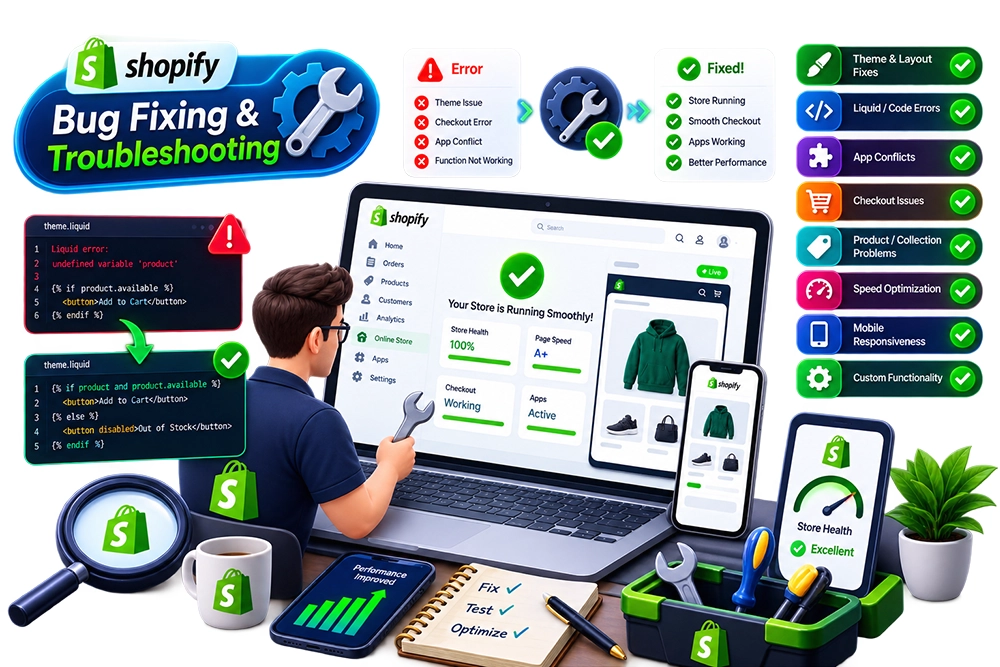
Technical problems can interrupt the customer experience in ways that are easy to miss until they begin affecting everyday store use. Broken sections, theme errors, app conflicts, cart issues, Liquid problems, or unexpected storefront behavior can all create friction even when the rest of the store appears to be working normally.
We troubleshoot Shopify issues by tracing the problem back to its likely source instead of applying surface-level patches. Theme code, app behavior, custom scripts, storefront logic, and recent changes are reviewed together so the fix addresses the actual cause and reduces the chance of the same issue returning elsewhere.
Storefront issues often have more than one possible cause. A broken product section might come from theme code, an app script, a recent customization, conflicting JavaScript, or a change elsewhere in the template. Guessing at the source can lead to repeated fixes that solve one symptom while creating another problem in a different part of the store.
Troubleshooting works best when the affected area is examined in context. We reproduce the issue, review relevant theme files, apps, scripts, settings, and dependencies, then apply the smallest sensible correction before validating the customer-facing experience again.
Different issues require different diagnostic paths. We focus on the part of the store that is actually failing, while checking surrounding dependencies so the fix does not ignore a related technical problem.
Diagnose broken layouts, missing sections, inconsistent styling, responsive issues, and other theme-level problems that may appear after edits, updates, or custom development work.
Review Liquid templates, snippets, conditions, objects, and theme logic when storefront content or functionality behaves unexpectedly because of template-level issues.
Investigate problems caused by overlapping app scripts, injected code, duplicate functionality, or conflicts between installed apps and the active theme.
Troubleshoot product-page behavior, variant selection, cart interactions, quantity controls, pricing display, or other customer-facing issues that disrupt the shopping journey.
Review scripts and browser-side behavior when menus, sliders, popups, forms, dynamic content, or interactive components stop working as expected.
Resolve problems that appear after theme edits, app changes, custom code updates, or other technical modifications that affect previously working storefront functionality.
Quick patches can be tempting when a store issue is urgent, but a fix is only useful if the surrounding theme, apps, and customer journey still behave correctly afterwards. We treat troubleshooting as a diagnostic task first and a code change second.
The reported issue is reproduced and reviewed before code changes begin, reducing the risk of fixing the wrong part of the storefront.
Theme files, custom code, apps, scripts, and recent changes are considered together when several technical layers could be contributing to the same problem.
Corrections stay focused on the actual issue, avoiding unnecessary rewrites when a smaller and more maintainable change can solve the problem cleanly.
Related customer-facing areas are checked after the fix so a correction on one template does not quietly introduce a new issue elsewhere in the store.
Responsive behavior is reviewed when the bug affects layout or interaction, because issues can appear differently across desktop, tablet, and mobile environments.
Recurring problems are flagged when they point to a deeper theme, app, or architectural issue that may need broader maintenance or development work instead of repeated patching.
Troubleshooting follows a reproduce-isolate-fix-validate process. We first confirm the issue, narrow down the likely source, apply the required correction, and then test the affected journey so the fix is evaluated within the real storefront experience.
We confirm where and how the problem occurs, including affected pages, devices, customer actions, theme areas, apps, and any recent changes that may be relevant.
The problem is narrowed down by reviewing the most likely theme files, scripts, app behavior, settings, customizations, and dependencies connected with the affected functionality.
We determine whether the visible error is caused by theme logic, an app conflict, custom code, frontend scripting, configuration, or another technical dependency before choosing the fix.
The agreed correction is applied to the relevant area with attention to existing functionality, customizations, and other components that could be affected by the change.
The original issue and related customer journeys are checked again to confirm the fix works and that no obvious new problems have appeared in connected areas.
Once the issue is resolved, any deeper technical risks or recurring causes are identified separately so the business can decide whether broader maintenance or development is justified.
Store bugs can originate in themes, apps, custom code, scripts, or recent changes. These answers cover the practical questions that usually need to be clarified before troubleshooting begins.
Yes. Existing Shopify stores can be reviewed for theme bugs, Liquid issues, app conflicts, JavaScript errors, cart problems, product-page behavior, and other technical issues within the agreed troubleshooting scope.
Yes. Apps can inject scripts, theme code, or storefront components that may conflict with other apps, customizations, or the active theme. The source needs to be diagnosed before deciding which component should be changed.
Yes. Liquid templates, snippets, conditions, and related theme logic can be reviewed when errors or unexpected behavior appear in the storefront.
Yes. Product and cart behavior can be reviewed for variant issues, quantity problems, dynamic content errors, button behavior, pricing display, or other customer-facing functionality that is not working as intended.
Updates can expose compatibility issues with existing custom code, scripts, theme changes, or other apps. Troubleshooting is needed to identify which dependency changed and how that change affected the storefront.
Cost depends on the complexity of the issue, time required to reproduce and diagnose it, number of affected areas, theme or app dependencies, custom code, and the amount of testing needed after the fix.
Send us the issue, the page where it appears, and any recent theme, app, or code changes. We can reproduce the problem, trace the likely cause, and determine the right fix without making unnecessary changes elsewhere in the store.